"Urgent, updated ACH details for invoice #4481. Please wire to the new account by Friday so we can keep your account current."
Here's a hypothetical. Devon runs Thistlemoor Supply Co. (a made-up wholesale shop). Cash is already tight because an MCA debit hits every business day. A familiar vendor name sits in the From line. The invoice amount matches an order Devon already placed: $14,800. The PDF looks clean. There's a new routing number and a note about "bank migration."
Devon paid. The real vendor never got the money. The real vendor still wants to be paid.
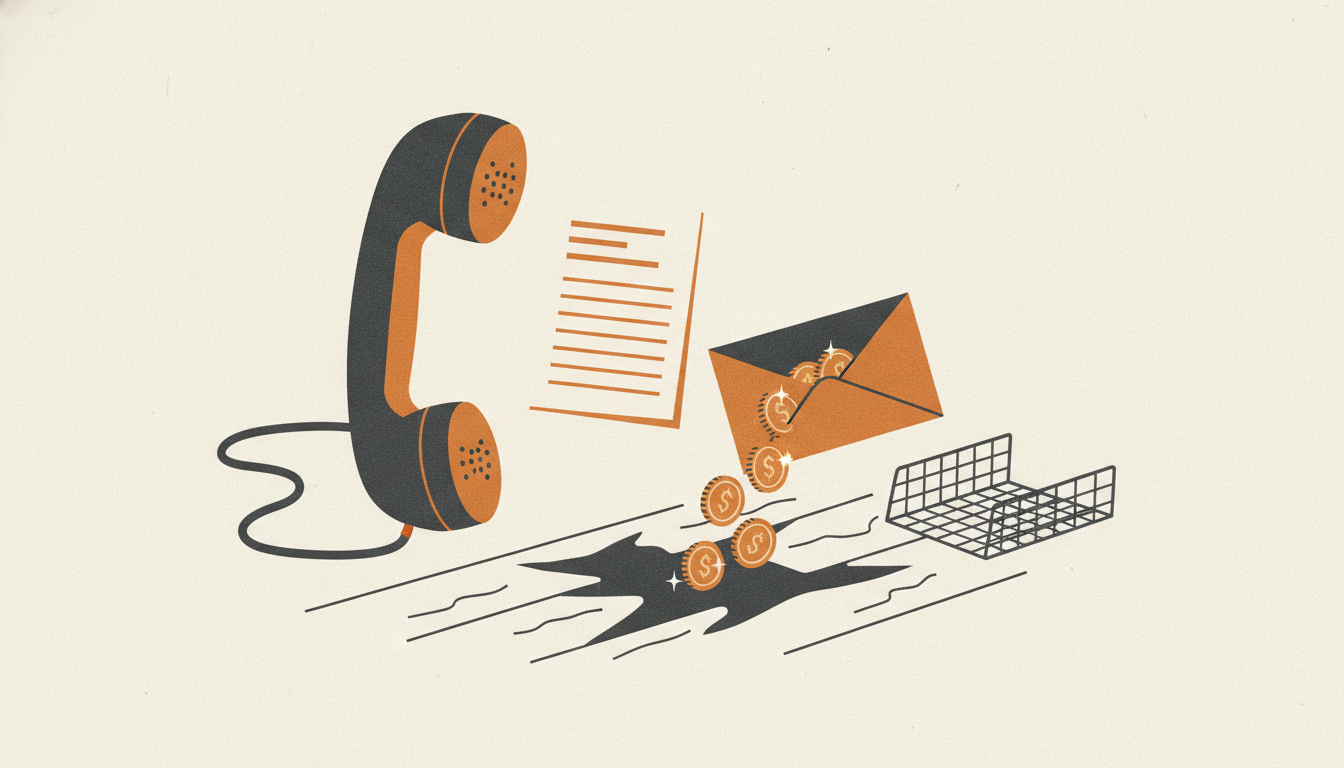
This is business email compromise with a payment redirect, sometimes sold as a "vendor bank change" email, sometimes as a fake invoice for services you never ordered. The United States Secret Service warned about the pattern again in a July 2026 public advisory: scammers impersonate executives or vendors, send fake payment instructions, and push urgency so someone wires or ACHs funds into a criminal account. Citing the FBI's Internet Crime Complaint Center, the advisory calls BEC a leading cybercrime, causing over $3 billion in losses annually.
A related play, flagged by the FTC in May 2026 for small businesses, is the unexpected invoice for tech support, domain registration, SEO, or another service you never bought, sometimes stamped "past due" so whoever pays the bills just clears it. Different wrapper. Same goal: get you to follow the sender's payment instructions without checking with a human you already trust.
MCA borrowers are in the blast radius because cash is already moving on a schedule. When every day feels late, "verify by phone" sounds like a luxury. That is exactly when the redirect works.
Red flags
- A known vendor "updates" bank, ACH, or wire details by email alone, especially with urgency ("by Friday," "account on hold," "audit," "bad check").
- The invoice is for products or services you never ordered, tech support, domain renewals, SEO packages, or arrives already marked past due (FTC, May 2026).
- The reply-to address, domain, or phone number is slightly off from what you already have on file.
- The email asks you to keep the change quiet or skip your normal two-person approval.
- You can't reach the vendor on a number you already had before the email arrived.
- Pressure to pay a vendor bill a new way, such as a wire, when you normally pay by ACH or check.
What to do
Stop. Do not update the account and do not pay from that email.
Call the vendor using a phone number already in your contacts, on a prior invoice, or on their official website, not the number in the change email. Confirm the bank details and the reason for the change with a person you recognize.
Require a second person to approve any bank-detail change before money moves. The Secret Service's prevention tip is blunt: verify payment requests by calling known contacts before sending money. The FBI IC3 says the same: use a secondary channel to verify account-information changes.
If you already paid the wrong account, call your bank immediately. Ask for a recall or reversal and for any Hold Harmless or indemnification paperwork the receiving bank needs. Speed matters.
Report it. File at ReportFraud.FTC.gov and at ic3.gov. Forward phishing invoices to reportphishing@apwg.org. Report it to your local law enforcement too, and don't use the compromised email account to contact them. Change passwords on the email account involved, turn on multifactor authentication, and check forwarding rules.
Devon (made up) still owed the real vendor. The scammer had the wire. One callback on a number already on file would have stopped both.
Sources:
- FTC, "Run a small business? Pay your bills, not scammers" (May 14, 2026): https://consumer.ftc.gov/consumer-alerts/2026/05/run-small-business-pay-your-bills-not-scammers
- U.S. Secret Service, "Business Email Compromises" public advisory (July 2026): https://www.secretservice.gov/sites/default/files/reports/2026-07/CID-Public-Alert-BEC-07.2026.pdf
- FBI Internet Crime Complaint Center, "Business Email Compromise (BEC)": https://www.ic3.gov/CrimeInfo/BEC