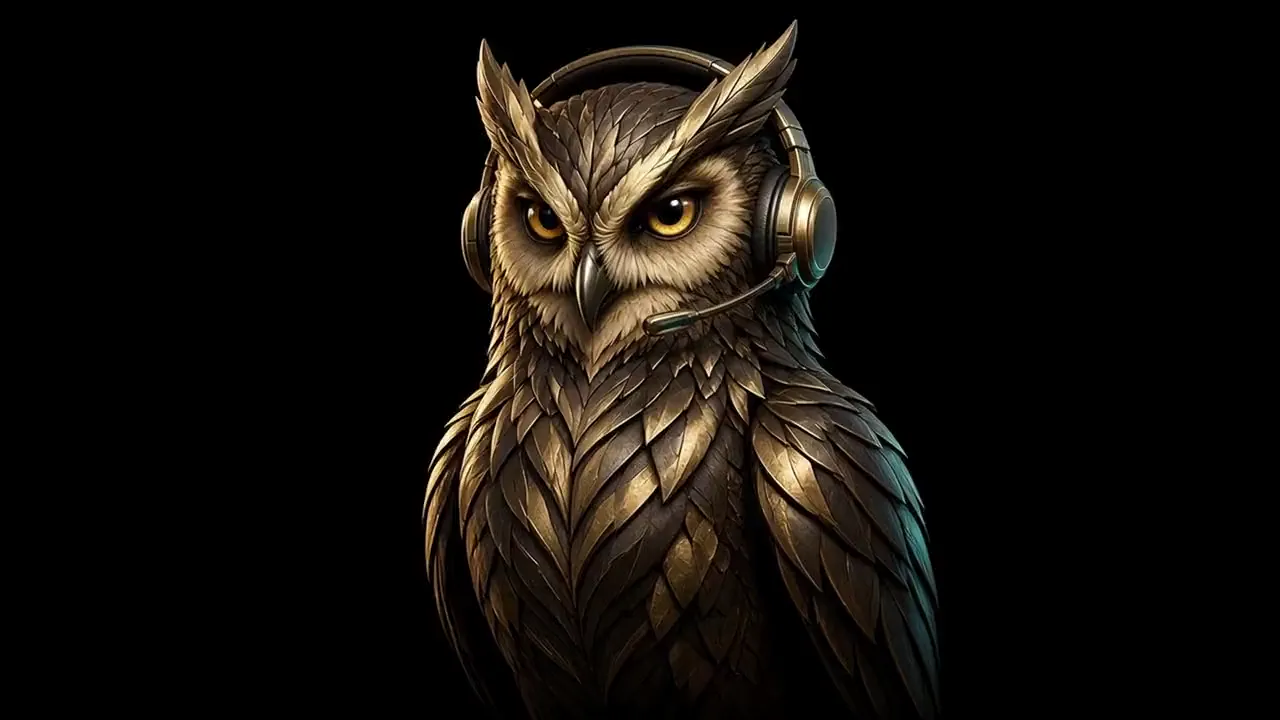
Move left and right. The owl turns with you.
Marketing demo
The owl turns with you
Move the pointer from left to right. The owl turns to follow. A short clip holds one slow turn, and the page shows the frame that matches your position.
How it works
- One short clip of the owl turning from left to right, on a black background that matches this band.
- Every frame is stored on its own, so the page can show any moment without waiting on the frames before it.
- Where the pointer sits from left to right chooses the moment. A little easing keeps the turn smooth.
- The still stays up until the clip has loaded.
- On a touch screen, scrolling this page turns the owl. If the page is too short to scroll, the owl turns slowly to the right, then back.
- If the browser is set to reduce motion, the page keeps the still.
The steps for building one are in Marketing & Sales, on Skills.